A sailboat at anchor near rocks on a grey day
On the wrist

A real instrument on your watch face.

Not a button that opens an app. Complications with live data, right on the face you wear every day, from the GPS in your Apple Watch.

CourseTrue, three digits
SpeedKN, KM/H or MPH
TripTime and distance
LogSea miles this year
LightDaylight left
Way homeBearing and distance

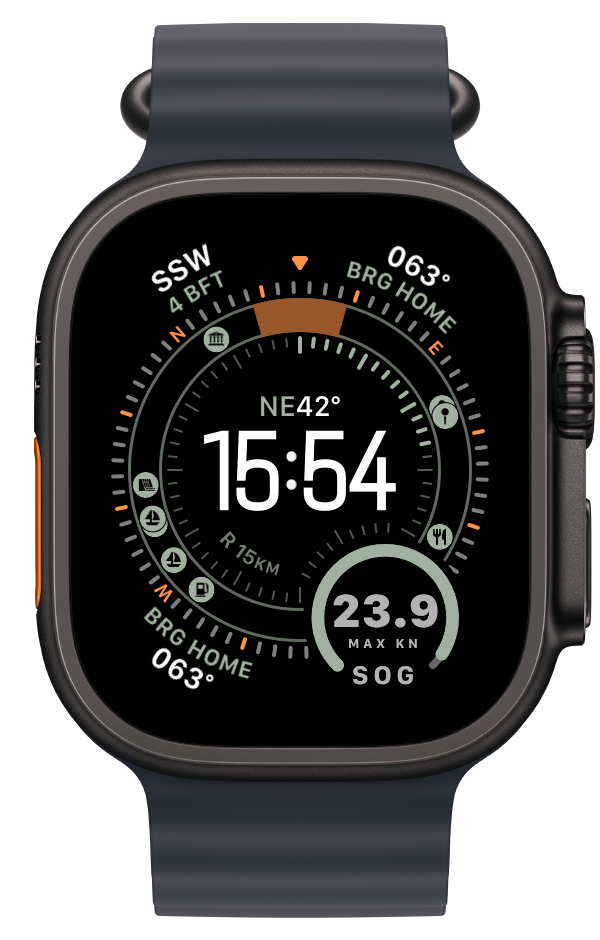
Ashore, it doesn't go blank. The face shows days ashore, this year's log and the bearing home.

Apple Watch Ultra with Steady As complications on the face
Complications

Eight instruments for your watch face.

Pick the ones you want and put them where you want them, on any face that takes complications. Each one shows something useful underway and something useful ashore.

COG and SOG
112° · 5.8 KN
Underway
The middle complication: course over ground with its compass point, speed over ground in KN, the heading tape and the speed bar.
Ashore
The day of a trip: that trip's distance and top speed. From the next day: this year's distance in NM and top speed in KN, and the days ashore.
Alert
Orange: over your alert speed or off your held course. Magenta: a Mark is set, with the arrow to it.
In a corner
COG on its own: the course with COG; ashore the bearing home as BRG HOME.
Tap
Opens the live screen.
Speed
5.8 KN
Underway
Speed over ground (SOG). The white tick is the trip's top speed; a thin orange tick is your speed alert, if you set one.
Ashore
Top speed, dimmed: the trip's on its day, then this year's, the same MAX as the middle complication.
Alert
Orange: over your alert speed for 5 seconds. The watch taps you.
In a corner
SOG · KN with the speed; LIMIT · KN in orange over your alert speed; ashore MAX · KN, the same top speed.
Tap
Opens the live screen.
Trip
1:24
Underway
Time underway this trip. The arc fills with the minutes of the hour.
Ashore
Days since your last trip, or TODAY.
In a corner
TRIP with the time underway; ashore the days since your last trip.
Tap
Cast off, or open the trip.
Log
14.2 NM
Underway
Distance today.
Ashore
This year's total since 1 January (YEAR).
In a corner
LOG · NM: today's distance; ashore YEAR · NM.
Tap
Opens the app.
Hold course
112°
Underway
The course you hold. The pointer shows how far off you are; the band is your margin.
Ashore
Nothing to hold: the Hold mark.
Alert
Orange with STBD or PORT: off course for 10 seconds. Steer the other way.
In a corner
The held course with HOLD, or the hold glyph when off; STBD or PORT in orange when off course.
Tap
Locks your current course. A tap never releases it.
Light
2:10
Underway
Sunset time, under the setting sun. In the last 3 hours: the time left.
Ashore
After dark: sunrise, under the rising sun.
Alert
Orange: under 30 minutes of light.
In a corner
DUSK or DAWN with the time.
Tap
Opens the app.
Home port
2.4 NM
Underway
Distance and direction to your home port, under the anchor. The rose within 200 m.
Ashore
From where the boat lies.
In a corner
HOME · NM: the distance home. A COG corner ashore shows the bearing home as BRG HOME.
Tap
Mark it on the watch at your mooring, or pick it on the map in the iPhone app.
Mark
MARK
Underway
One tap saves the boat's position. The arrow points back to it.
Alert
Magenta disc: a Mark is set. Distance and the arrow point to the saved position.
Tap
Saves the boat's position at once. The arrow points back to it.
The words on the gauges
COGCourse over ground, true, from GPS
SOGSpeed over ground
STBDStarboard: the right side, looking forward
PORTThe left side, looking forward
MARKA saved position
LIMITYour alert speed
ASHOREDays since your last trip
YEARDistance since 1 January
KN · NMKnots · nautical miles
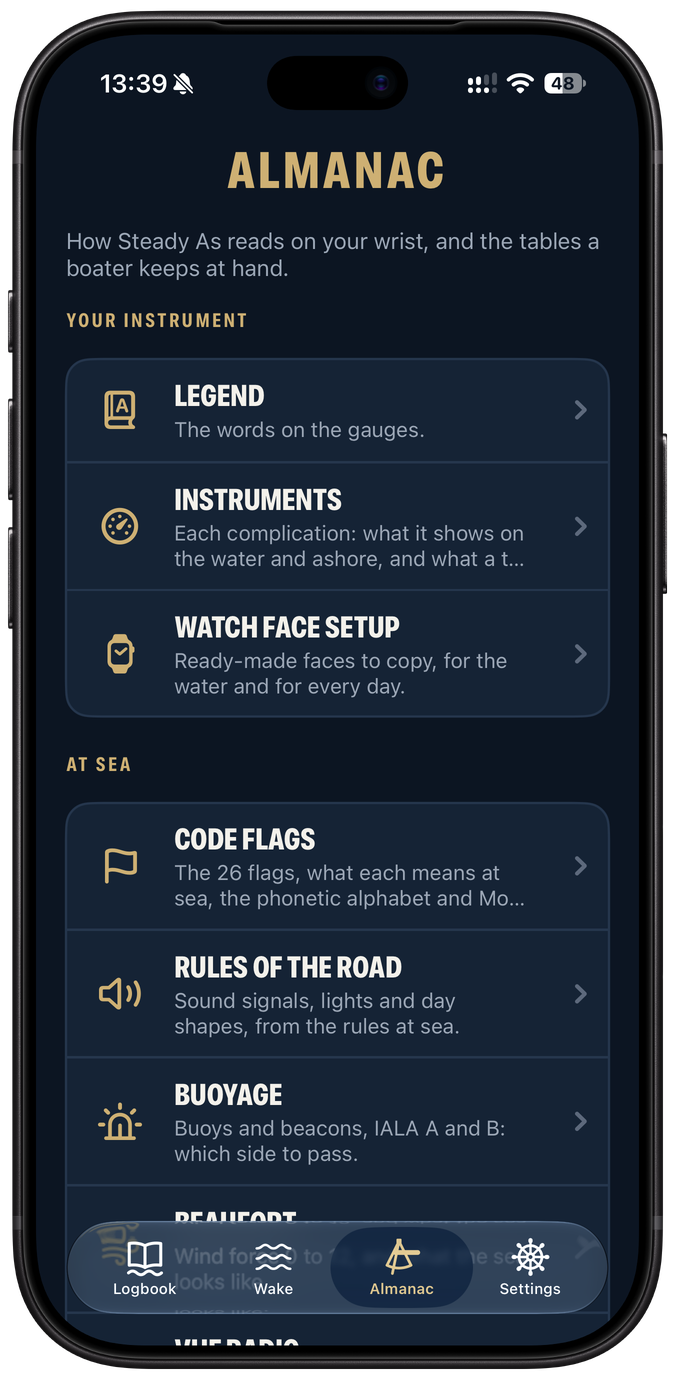
The Steady As Almanac on iPhone: the legend, the instruments and watch face setup
The same explanations live in the app's Almanac.
In the watch app

Underway, on the wrist.

Cast off with one tap. Big, calm numbers on the live screen, and a summary with your flag when you moor.

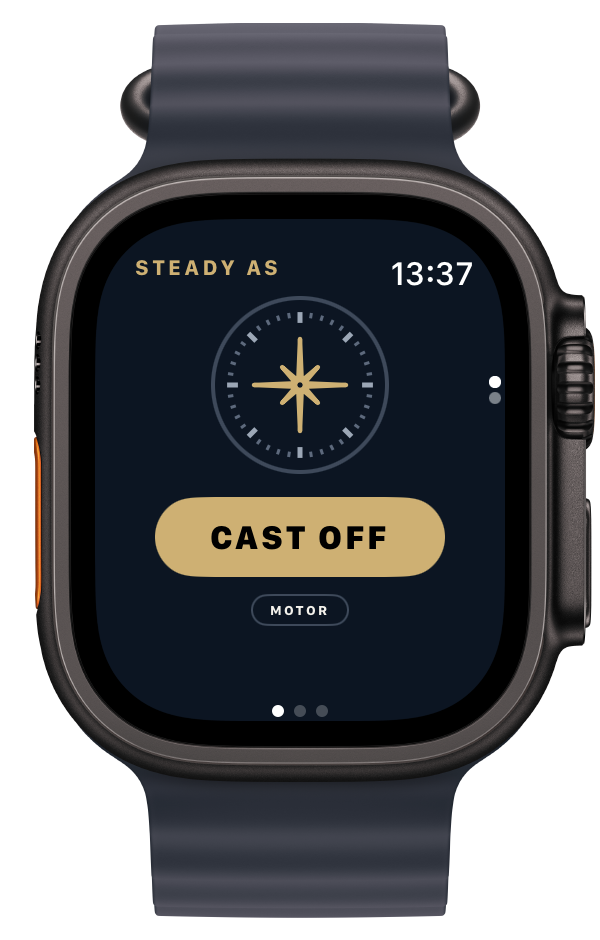
Steady As on Apple Watch Ultra: the Cast off button, Motor
Cast off. Motor or Sail, then the watch keeps the log.
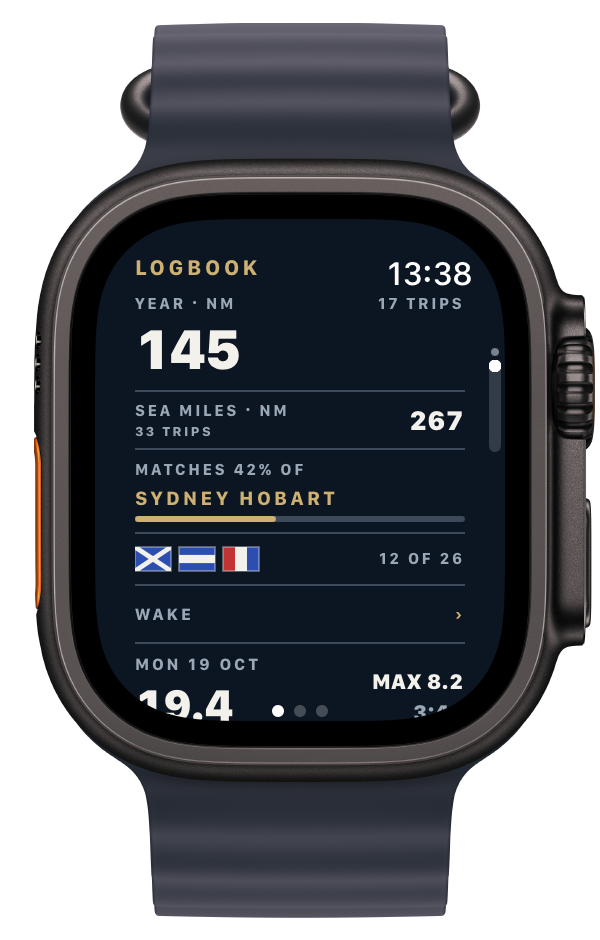
The Steady As logbook on Apple Watch Ultra
Moored. Distance, time, top speed and the milestone you passed.
Each on its own, better together

Leave your iPhone at home. Or leave your watch.

Both run a whole trip. Neither one is the sidekick.

Apple Watch

No iPhone aboard.

Cast off from the wrist. Course, speed and the full trip, recorded on the watch.

iPhone

No watch needed.

The helm console in your pocket, with your speed and course on the Lock Screen.

Both

One logbook.

Trips from your watch and iPhone land in one logbook, through your own iCloud.

Steady As

The instrument beside the helm.

On your wrist and phone, for every boat.

Soon on theApp Store